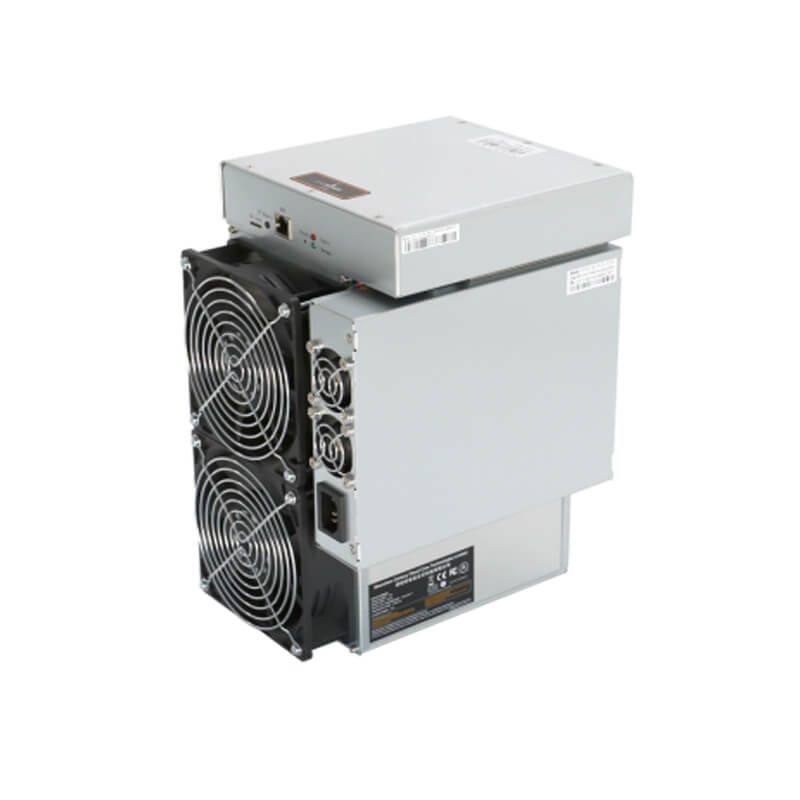
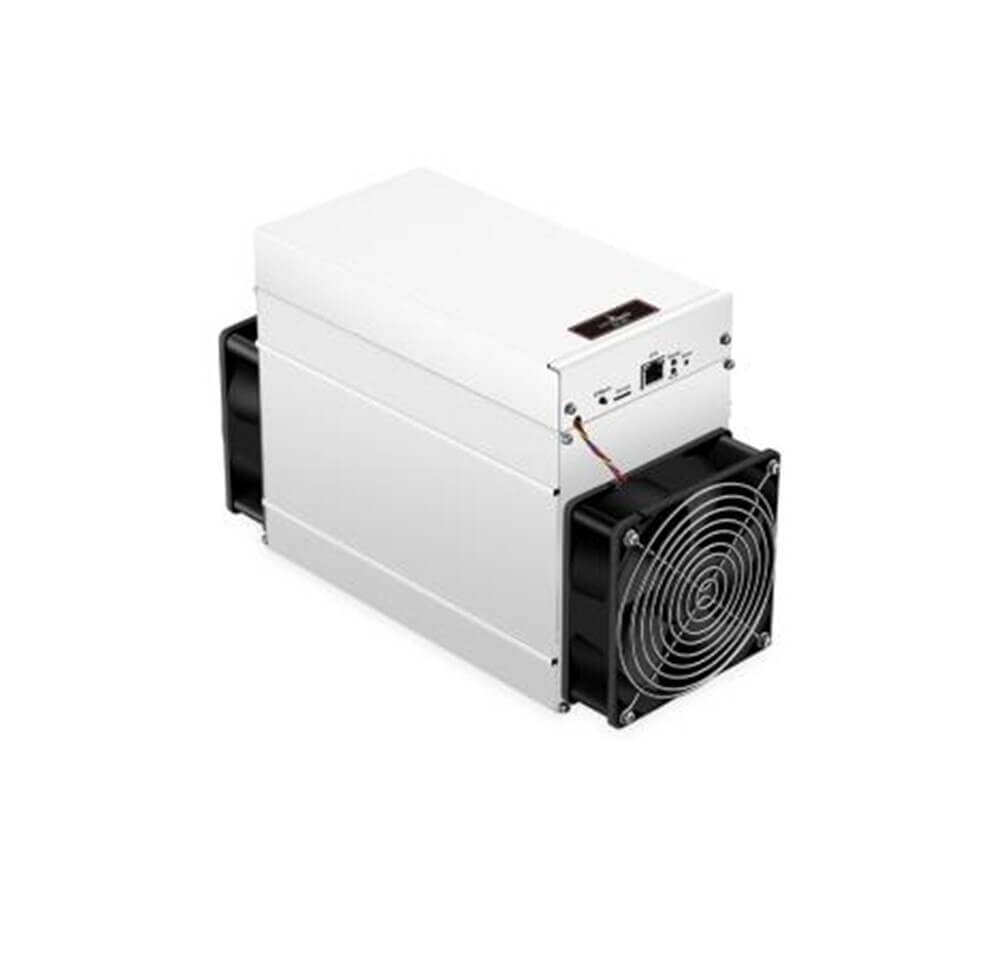
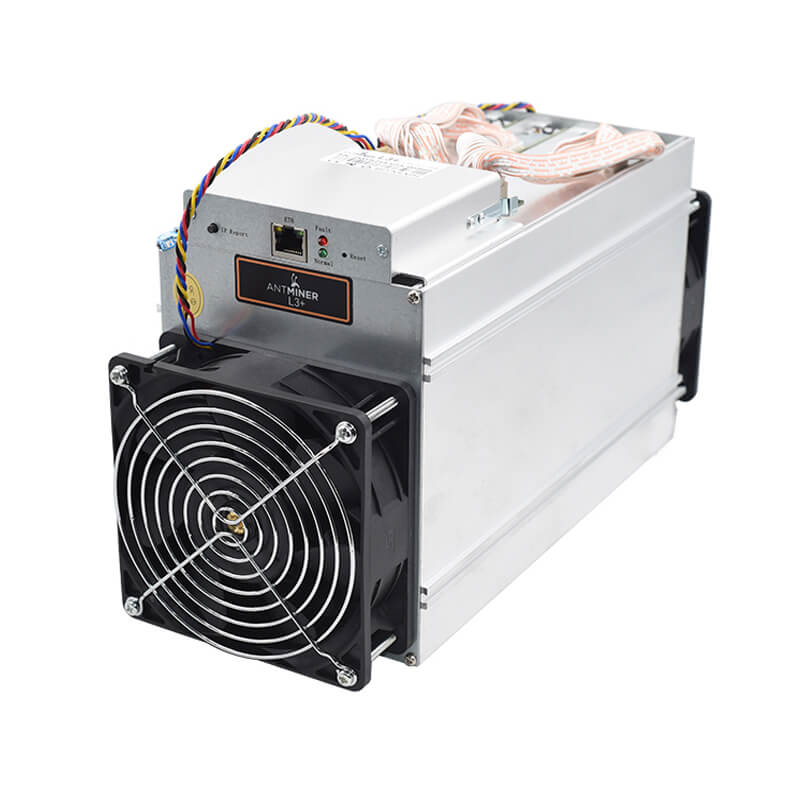
Firmware for antminer T9+
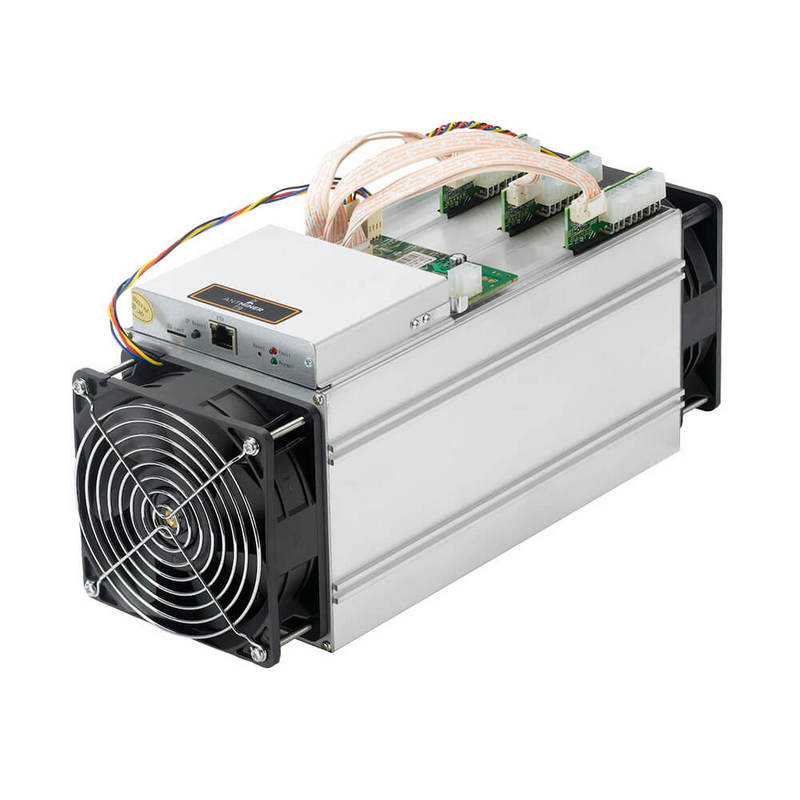

Characteristics of the firmware antminer T9 +:
- Hashrate overclocking. Hashrate is overclocked up to 14 Th/s.
- Overclocking profiles. There are profiles for overclocking (depends on power supply capacity).
- Ventilator. You may use immersion cooling and turn off the ventilator.
- Asic boost. There is a new function: “ASIC BOOST”.
- Virus check. There is a function which automatically checks for viruses (especially important if you buy used asics).
- Tracking. To keep track of how much electricity is consumed in the antminer, there is a wattmeter.
- 1.8% – 2% – devfee.
- There is a setting: 1. detect antivirus and its automatic removal; 2. there is an opportunity to change the SSH port; 3. if the api port will be open network, there is a warning function; 4. there is a backup function of the firmware, in case of damage.
- Monitoring. There is a function to monitor the firmware antminer T9.
- Waiting. In case of internet disconnection, there is a standby mode. With this mode, energy will not be consumed in vain.
How to install
- Download the firmware from our website.
- Go to the interface, click the “System” tab, go to “upgrade”, go to “flash”. To save the pool worker and password, check the box next to Keep Settings.
- Enter the address of your antminer. If the firmware is not visible, refresh the page. Then choose the language you want.
- Check all settings: passwords, pools and workers. This is done in: “Miner Configuration, General Settings”.
- Choose a suitable overclocking option (Mining Profiles, Preset).
- Click on the function: “Hash Rate Control”.
- Save all the settings. When you start the program, the antminer may restart. It will take about 30 minutes to fully configure and start.