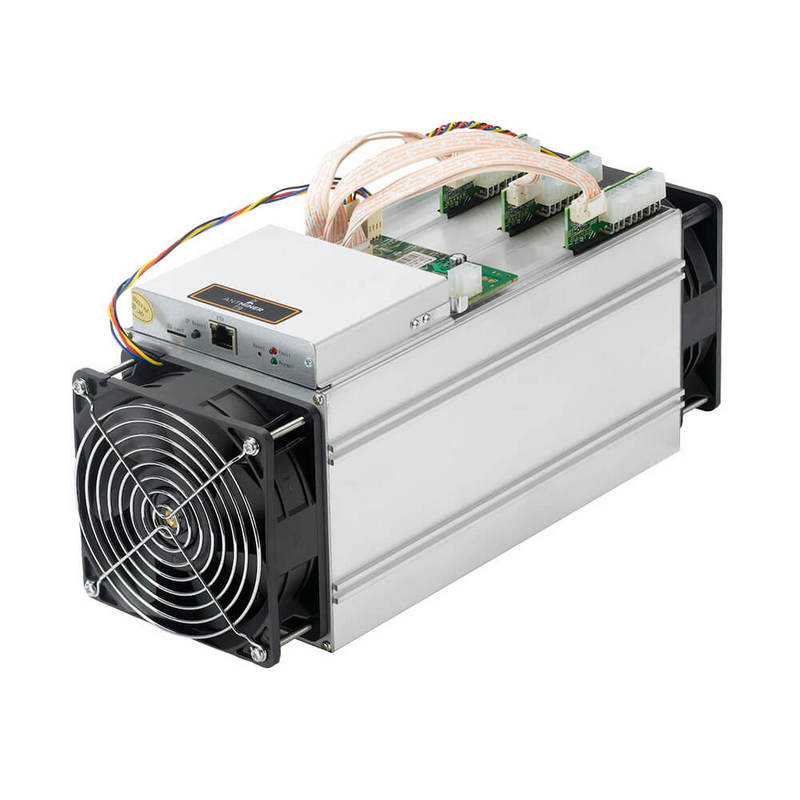
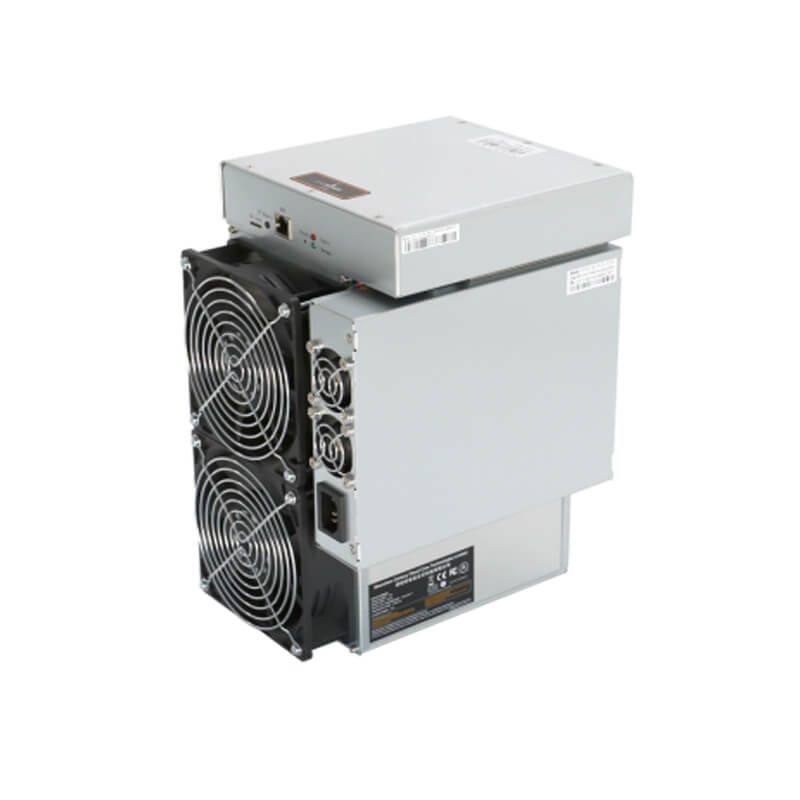
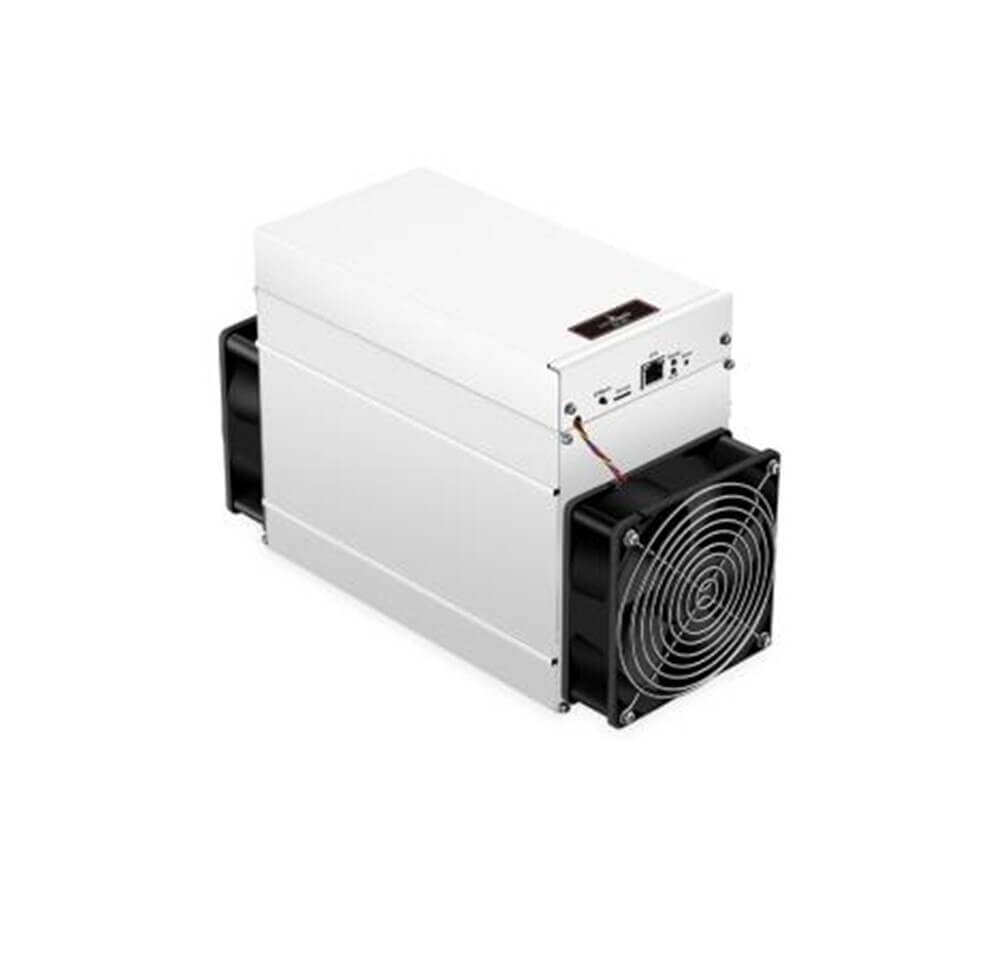
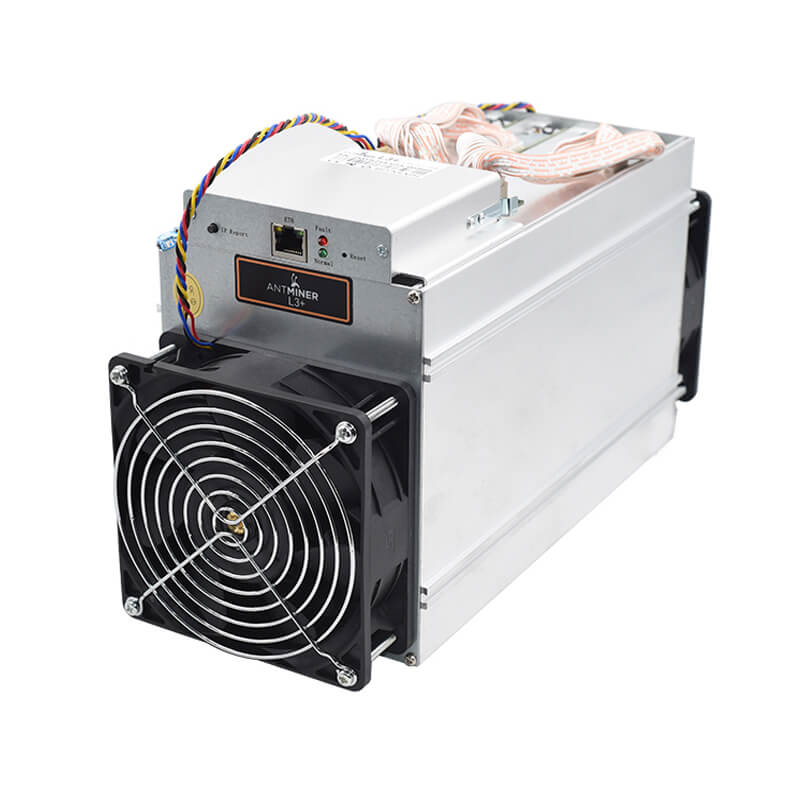
Firmware for antminer S9, S9i, S9j


Characteristics of firmware:
- The ability to cool the antminer up to 19 TH/s (on air cooling) and up to 22 TH/s (on immersion cooling) has appeared.
- When buying old equipment, which is often infected, there is an opportunity to automatically check the asic s9 for viruses with further elimination of all harms.
- It is possible to choose the option of overclocking based on the capacity of your power supply.
- Asicboost function reduces power consumption by up to 15%; counter; wattmeter.
- dev fee is 1.8% – 2% (not more than 2%).
- Improved fans on: fans have temperature support on chips, quiet start and much less noise.
- To save power there is a function to turn off the broken boards with reduced hashrate.
- The latest chip start algorithm has been developed for better revenue and energy efficiency.
- There is a possibility to change the SSH port; In case the api port will be opened by the network, there is a warning function; there is a backup function of the firmware, in case of damage.
- There is a function to monitor the firmware for asic s9.
How to install firmware
- Download the asic s9 firmware from our website.
- Go to interface, click “System” tab, go to “upgrade”.
- Click the “Choose File” button and start the installation.
- Then it will reload and then you will have to refresh the page.
- Check all the settings: passwords, pools and workers. This is done in: “Miner Configuration, General Settings”.
- Choose a suitable overclocking option (Mining Profiles, Preset).
- Turn on asicboost.
- Save all the settings. Antminer may reboot when you start the program. It will take about 30 minutes to fully configure and start.
- The best firmware for antminer s9 – bitmain. Download our firmware and see for yourself.